Many people believe that to obtain civil documents, one must visit the relevant government office in person. However, this is a major misconception. In fact, most documents needed in daily life, from resident registration transcripts to building ledgers and local tax payment certificates, can be issued immediately online through the 'Gov.kr' (Government 24) service. With the acceleration of digital transformation, printing documents from home or the office with just a few clicks has become a part of daily life. Today, we will walk through the precise procedures and key points to keep in mind when issuing civil documents using Gov.kr.
Misconceptions and Truths About Online Document Issuance

One of the most common misconceptions is that 'documents issued online have lower legal validity.' To start with the conclusion, electronic documents issued through Gov.kr have the same legal effect as original paper documents. Because anti-forgery technology for electronic documents is applied, they can actually be safer in terms of security. You can use them with confidence as they are recognized as official originals when submitted to government offices or financial institutions.
Another misconception is that 'you can't do anything without a digital certificate.' In the past, a joint certificate was mandatory, but now you can complete identity verification much more easily through simple authentication (Kakao, Payco, Naver, PASS, etc.). Now, anyone can easily access the service with just a smartphone, without complex installation processes. Even those who are not familiar with the digital environment can use it without much difficulty by following the step-by-step instructions. In particular, frequently used documents such as resident registration transcripts/abstracts, family relation certificates, and local tax certificates are effective immediately upon issuance, making them very useful for urgent tasks.
In practical application, Gov.kr is the most efficient tool when preparing for tasks like moving-in reports, year-end tax settlement documents, or documents for submission to various financial institutions. Considering the waiting time and travel costs incurred when visiting an office, online issuance is a very rational choice. It has a great advantage in terms of time efficiency, especially for busy modern people. Beyond simply saving time, it enables active use of administrative services, allowing you to manage your civil service history in real-time and respond immediately whenever necessary.
Detailed Guide to the Gov.kr Document Issuance Process
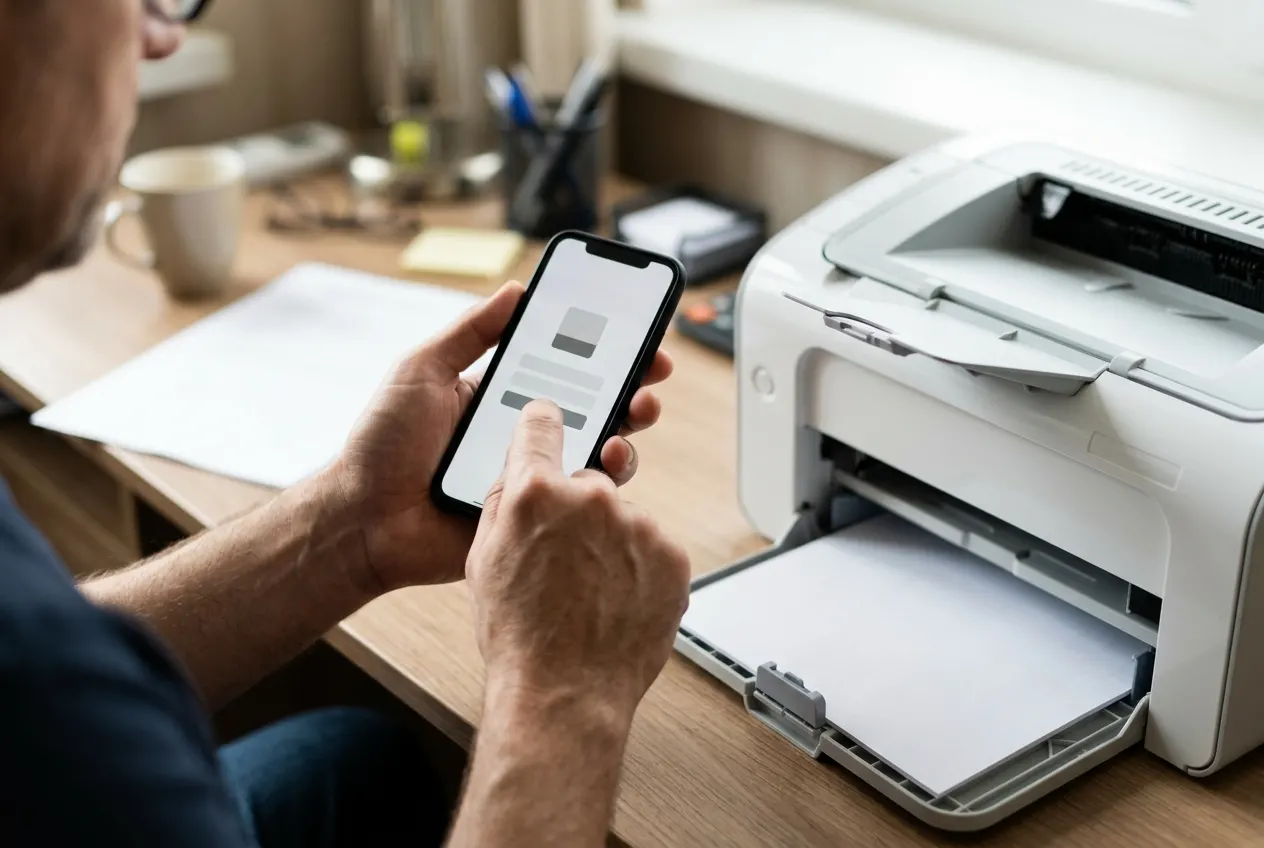
Issuance through Gov.kr consists of four main steps: 'Search - Apply - Authenticate - Print.' First, enter the name of the required document in the search bar at the top of the homepage. For example, if you search for 'Resident Registration Transcript,' related services will appear, and you can click the 'Issue' button. It is most accurate to select the 'Civil Service' item located at the top of the search results.
The next important step is identity verification. Select the simple authentication service and complete the verification on your smartphone to proceed to the application page. At this point, you should carefully check the issuance options. It is recommended to check in advance, as choices regarding whether to display the last digits of your resident registration number or include past address changes depend on the requirements of the receiving institution. For example, if it is for submission to a financial institution, you may need to set it to display all digits of your resident registration number.
Once the application is complete, you can check the processing status in 'My Application History.' Most are issued immediately, but some complex civil services may require confirmation by a government official. Once it is ready for issuance, you can click the 'Print Document' button to print it via a printer or save it as a PDF file. Please note that saving as a PDF is often restricted for security reasons, so it is recommended to use a physical printer if possible. Also, if an error occurs while using the system, first check if the application status is 'Processing Complete' in the 'My Application History' menu. If it is still processing, you must wait a moment; if it is ready for issuance but still won't print, the first solution is to disable your browser's pop-up blocker.
Precautions and Checklist for Issuance

There are checkpoints you must verify when issuing documents online. First, check printer compatibility. Not all printers are suitable for printing civil documents. It is recommended to check the 'Supported Printer List' provided by Gov.kr in advance or try printing a test page first. Some network printers may be restricted for security reasons, so printers directly connected to your PC are recommended.
Second, consider the network environment. It is better for personal information protection to proceed in a secure environment rather than using public Wi-Fi. Third, you must clearly distinguish whether the receiving institution requires an 'original' or an 'electronic file.' Some institutions may require fax or email transmission; you can use the 'Online Fax' feature within Gov.kr to send documents directly without a separate fax machine.
Fourth is security program management. Since Gov.kr handles sensitive personal information, installing security modules is essential. If installation is repeatedly requested, it is recommended to delete existing security programs from the Control Panel and reinstall the latest versions. Also, be careful not to damage the barcode or QR code displayed at the top right of the document to ensure the authenticity of the printout. Fifth, check for fees. Most online civil services are free, but some paid documents require a payment process. If your payment method is ready in advance, processing will be much faster. Especially when issuing a large number of documents at once, check the final list to ensure no items are missed during the payment stage.
Tips for Successful Civil Service Processing
One problem many users experience is when the 'Issue' button is not activated. This is likely due to security programs not being installed correctly or browser compatibility issues. In this case, please update Chrome or Edge to the latest version or check the integrated installation program required by Gov.kr once more. Since Internet Explorer support has ended, please use the latest standard browsers whenever possible.
Also, after printing a document, it will undergo an 'authenticity verification' process. The receiving institution will verify whether the document was actually issued by Gov.kr using the unique number at the bottom of the document. If the document is damaged or the ink is smudged, it may be rejected, so it is recommended to set the print quality to the highest level. Laser printers are recommended as they allow for clear printing without ink smudging.
Finally, since personal information is included in the document issuance process, avoid printing in public places. If you lose the printout, there is a risk of personal information leakage, so submit it immediately or store it safely. If you use the Electronic Document Wallet, you can send and receive documents within your smartphone without printing them on paper, which is much safer and more convenient. Gov.kr is more than just a place to issue documents; it is a platform where you can see various information about daily life at a glance. If you register frequently used services in your favorites, you can access them much faster next time. Now, let go of vague fears and secure your precious time through smart civil service processing.
This article is based on general information, and the processing method for specific civil services may change depending on relevant laws or the policies of the respective agency. If you need to prepare important documents urgently, the safest method is to check the latest information by calling the relevant administrative welfare center in advance. Once you become accustomed to online issuance, the threshold for using administrative services will be much lower, which will become an important habit for increasing daily efficiency.
Frequently Asked Questions
Can documents issued from Gov.kr be used immediately for submission to government offices?
Yes, electronic documents issued from Gov.kr have the same legal effect as paper originals in government offices and financial institutions, so you can submit them with confidence.
How can I issue documents if I don't have a printer?
If you don't have a printer, you can use the 'Electronic Document Wallet' feature to save documents on your smartphone or use an unmanned civil service kiosk installed at a nearby administrative welfare center.
Are there fees for online issuance?
Most resident registration transcripts and abstracts are free when issued online. However, some certificates or qualification-related documents may incur fees, just as they would offline.
The document won't print after I apply for it.
It is highly likely that the printer driver is incompatible or a security program is blocking it. You can receive detailed guidance on how to resolve this by using the 'Remote Support Service' of the Gov.kr Customer Center.