In daily life, the need for government documents often arises unexpectedly. In particular, a Resident Registration Certificate is a document essentially required for various situations such as bank loans, company submissions, and contracts. In the past, one had to visit a community service center or administrative welfare center in person, take a number, and wait, but now anyone can issue it within 5 minutes at home as long as they have a smartphone and an internet connection.
Online issuance not only saves time but also offers economic benefits, such as fee exemptions. This is because costs incurred when issuing documents at a counter are often free online. However, for first-time users, complex authentication procedures or the installation of security programs may feel like a barrier. This article summarizes the fastest and most reliable issuance methods and checkpoints that are easy to miss.
1. Basic Principles of Issuing a Resident Registration Certificate Online via Gov.kr

The South Korean government's official portal, 'Gov.kr (Government 24),' is the core channel for processing numerous civil service documents, including the Resident Registration Certificate. Documents issued here have the same legal effect as paper documents received offline. Basically, an identity verification process is required for issuance, which is an essential step for protecting personal information.
The issuance process is divided into 5 steps: [Login] - [Apply] - [Select Personal Information] - [Select Issuance Method] - [Print and Save]. It is important to note that you must have an authentication method in your name ready. You can choose the method most convenient for you, such as a Joint Certificate, Financial Certificate, or Simple Authentication (KakaoTalk, Naver, PASS, etc.). The system complies with the Ministry of the Interior and Safety's security standards for stable data linkage and generates a document reflecting the latest resident registration information via the computer network immediately upon application. You can use it with peace of mind as encryption technology is applied to prevent the leakage of personal information during this process.
2. Checklist to Prepare Before Issuance

There are items to check in advance for successful issuance. Rather than just accessing the site, please check the list below in advance.
- Do you have a mobile phone or certificate in your name ready?
- Is a printer capable of printing documents connected? (PDF saving may also be possible)
- Have you decided whether to include personal information or selective information?
- Is your browser environment up to date? (Chrome, Edge, etc. recommended)
Especially if you do not have a printer, you should consider using an unmanned civil service issuance machine or saving it as a PDF file to print later if necessary. Recently, services that submit directly in the form of electronic documents on Gov.kr are also expanding, so it is a good strategy to first check if the recipient allows electronic files. Also, in the case of network printers, printing may not work due to sharing settings, so it is recommended to use a locally connected printer if possible. If you are using a corporate security network, access to Gov.kr may be blocked, so using a personal network is recommended.
3. Step-by-Step Detailed Issuance Procedure and Precautions
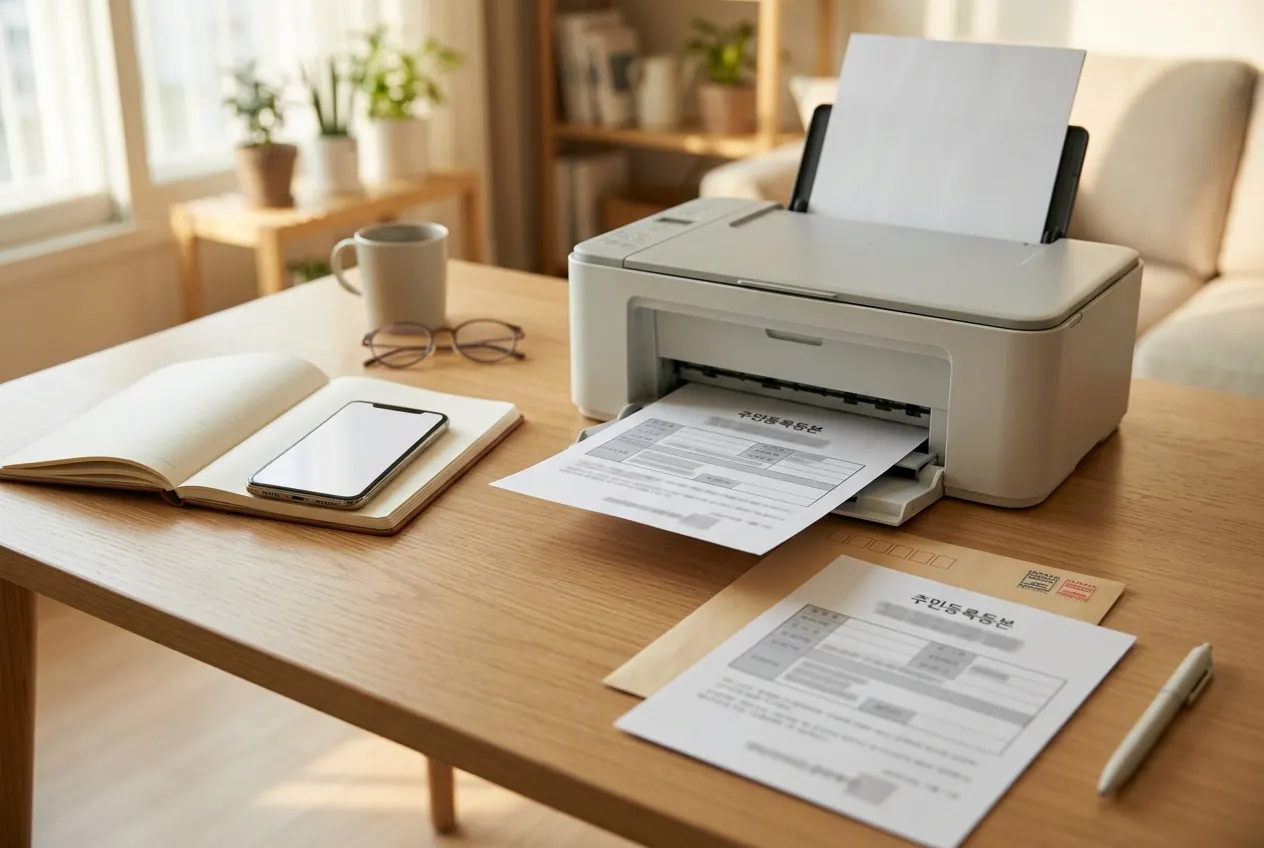
After accessing the Gov.kr website and searching for the Resident Registration Certificate item, a shortcut button will appear. Clicking 'Issue' will take you to the login screen, where we recommend using the Simple Authentication method you are most familiar with. It is much simpler and faster than a public certificate.
On the application screen after logging in, you must select the issuance form. Set the 'Recipient' to yourself and check the information to include (address changes, the last digits of the resident registration number, etc.). An important point here is whether to disclose the 'last digits of the resident registration number.' Unless specifically required by the recipient, it is safer to set it to 'hidden' to protect personal information. You can choose between 'last 5 years' or 'all' for past address change history, which is useful for loan reviews or confirming move-in reports.
After completing all settings, click 'Apply for Civil Service' to generate the document. Clicking the 'Print Document' button will open the print window; if you do not have an actual printer, try using the 'Save as PDF' function. However, if the recipient requires an original document, you must print it with an actual printer. Since document forgery prevention programs run together when saving as PDF, you should follow the method recommended by Gov.kr even when submitting the file itself. Also, it is recommended to keep the page settings at '100% ratio' so that the document's unique number is not cut off when printing.
4. Frequently Occurring Problems and Solutions
The most common problem is 'when the printer does not appear in the list.' This can happen if the security program installation is not complete or if you are using a network printer. In this case, the solution is to close and restart the browser or update the printer driver to the latest version. Especially in corporate network environments, virtual printer drivers are often blocked by security policies, so prior confirmation is required.
Also, there are cases where the message requesting the installation of security programs repeats infinitely. This is likely due to browser extensions or firewall settings. Most problems are solved by using Incognito mode (InPrivate mode) or accessing via a different browser. If it still does not work, it is effective to receive remote support through the 'Gov.kr Customer Center' or delete the browser cache. When a system error occurs, waiting for about 1 minute after completely closing the browser before trying again is a way to increase the success rate rather than retrying immediately.
5. How to Use Unmanned Civil Service Issuance Machines: An Alternative When You Don't Have a Printer
If you don't have a printer at home and saving as a PDF is difficult, it is recommended to use an 'unmanned civil service issuance machine' installed at nearby subway stations or community service centers. Unmanned issuance machines allow identity verification through fingerprint recognition, and fees are often cheaper or free compared to the counter. Many operate 365 days a year, so check the operating hours near your residence in advance. Recently, accessibility has improved as machines are installed inside large marts or hospitals in addition to community service centers. When using the machine, fingerprint recognition may not work well, so it is a tip to wipe your fingers or adjust their position. If your fingerprints are worn out and difficult to recognize, you may need to visit the community service center counter.
6. A Final Request for Personal Information Protection
Documents issued online also require care in management. Especially if issued on a public PC in a public place, you must delete the file and empty the recycle bin after work. Also, when delivering printed materials to others, you should have the habit of reviewing once more whether sensitive personal information other than necessary information is exposed. When disposing of documents, it is safe to use a document shredder or cut out and discard the parts where personal information is written separately. This is a principle that applies commonly to all administrative documents, not just the Resident Registration Certificate.
Document management in a digital environment comes with responsibility as much as convenience. Since your Resident Registration Certificate is the core of identity verification, you should deliver it to the recipient immediately after issuance or keep it in a safe place. If you need to send an electronic document via email, etc., it is recommended to delete the file from the sent folder after sending. These habits are the most basic yet powerful defense mechanisms to protect your valuable personal information.
The Resident Registration Certificate is a very important document that proves our identity. If you keep the methods we looked at today in mind, you will be able to deal with situations where you need documents urgently without panic and with composure. Please check this article again whenever you need information. The digitalization of administrative services is managing our time more efficiently. Now, instead of visiting government offices, please actively utilize smart online issuance.
Frequently Asked Questions
Does a Resident Registration Certificate issued online have legal effect?
Yes, a Resident Registration Certificate issued normally through Gov.kr has the same legal effect as a document issued at an offline counter when submitted to administrative or financial institutions.
Can I issue it even if I don't have a printer?
Yes, you can save it as a PDF file to print when necessary, or if the recipient allows electronic documents, you can send the file as is. If a printer is required, you can also use a nearby unmanned civil service issuance machine.
Do I have to disclose the last digits of my resident registration number?
It is not mandatory. Unless there is a separate request from the recipient, it is safer to issue it with 'partial inclusion' or 'hidden' rather than 'full inclusion' to protect personal information.
How much is the issuance fee?
Online issuance through Gov.kr is basically free. However, when using an unmanned civil service issuance machine, a small fee may be incurred depending on the machine's operating policy.