The desire to gift your parents a smartphone is always heartwarming. However, when you actually go to a store or look at devices online, the sheer variety can make it overwhelming to decide what to choose. Devices commonly referred to as 'phones for parents' (hyodo-phones) do not simply mean they are cheap or have large screens. You must comprehensively consider the user's eyesight, hand dexterity, the content they usually enjoy, and their level of familiarity with digital devices. It is more important to analyze your parents' lifestyle first rather than insisting on the latest model.
Before you start choosing, we recommend asking yourself the following four questions. First, what are the functions your parents mainly use? Second, what are the benefits of their current carrier's plan and bundle discounts? Third, is it easy to adjust font size or the interface? Fourth, is it easy to visit a service center? Organizing the answers to these questions will narrow down your choices and lead to a more rational decision. If you observe your parents' daily habits, you will often find that a product faithful to basic functions like calls, messages, photos, and watching videos is the right answer, rather than high-performance features.
The first factor to consider is screen readability. As people age, even those with good eyesight feel fatigue when reading small text. Most recently released smartphones have large, clear screens, but the type of panel can affect color and eye fatigue. Rather than just a large screen, you should check if it can be held stably in one hand and if the screen brightness is sufficient for outdoor use. In particular, if the screen is hard to see in strong sunlight, they may avoid using it, so it is good to check the maximum brightness. When choosing a display, select a panel with minimal reflection if possible, and carefully check if the device has an automatic blue light filter feature.
Display and Interface Convenience
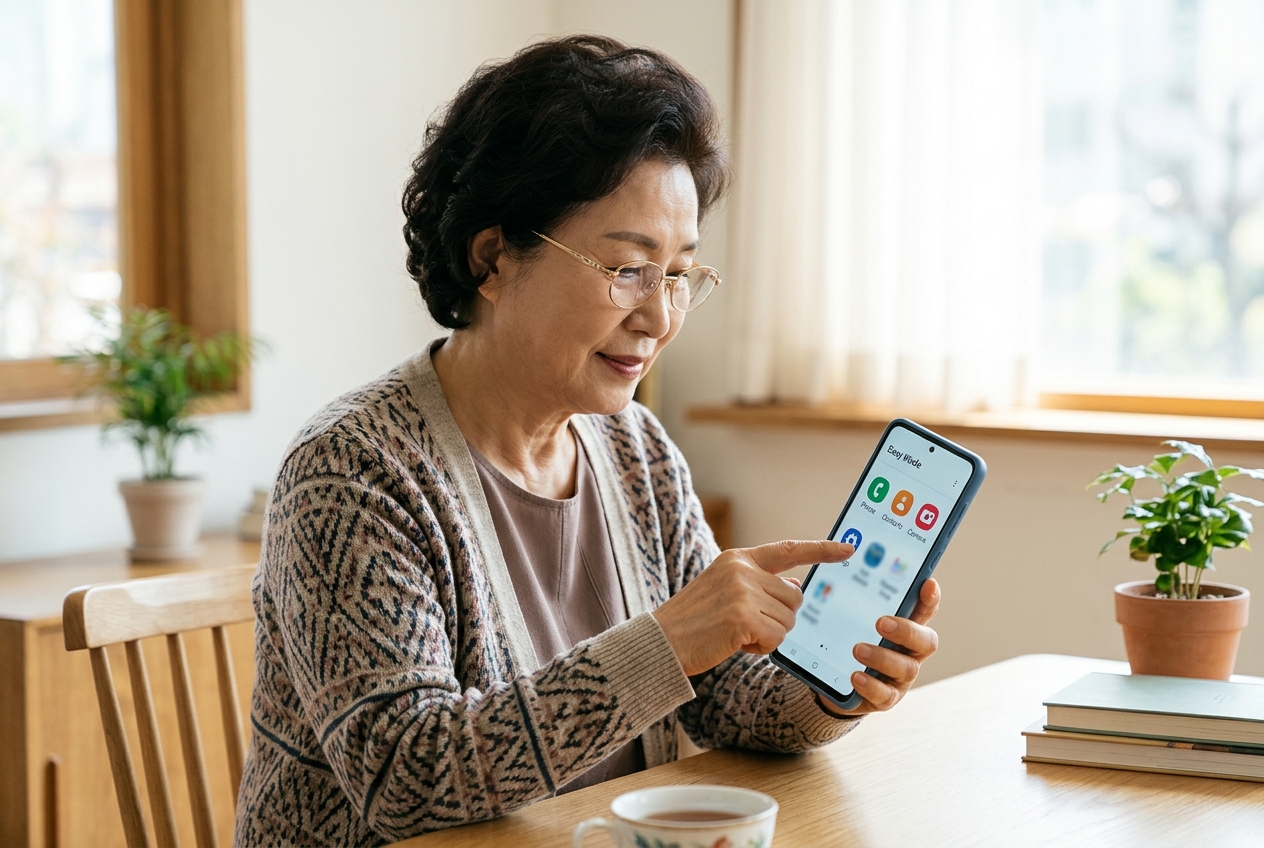
The biggest difficulty seniors face when using a smartphone is accidental touches or complex menu configurations. Recent devices support 'Easy Mode' or 'Simple Mode' to enlarge icons and hide unnecessary settings. Checking if this feature is built-in or easily accessible in the settings menu is the first step. Also, you should check if the menu structure is intuitive. Devices that require navigating through too many sub-menus can cause significant stress for parents.
Touch sensitivity is also an important checkpoint. If it is too sensitive, accidental operations occur frequently; if it is too dull, it becomes inconvenient as they have to press multiple times. It is a good idea to touch the device yourself to see if touch sensitivity can be adjusted in the settings and how the side buttons feel if physical buttons are needed. You should choose a device that receives continuous OS updates to remain free from security issues or app compatibility problems. Considering that apps need to be kept up-to-date to minimize errors, a mid-range or higher performance device is often more economical in the long run than an outdated low-end model. Additionally, it is good to check if you can adjust not only the font size but also the font weight, as bold text is much more readable than thin text.
Battery Efficiency and Charging Methods
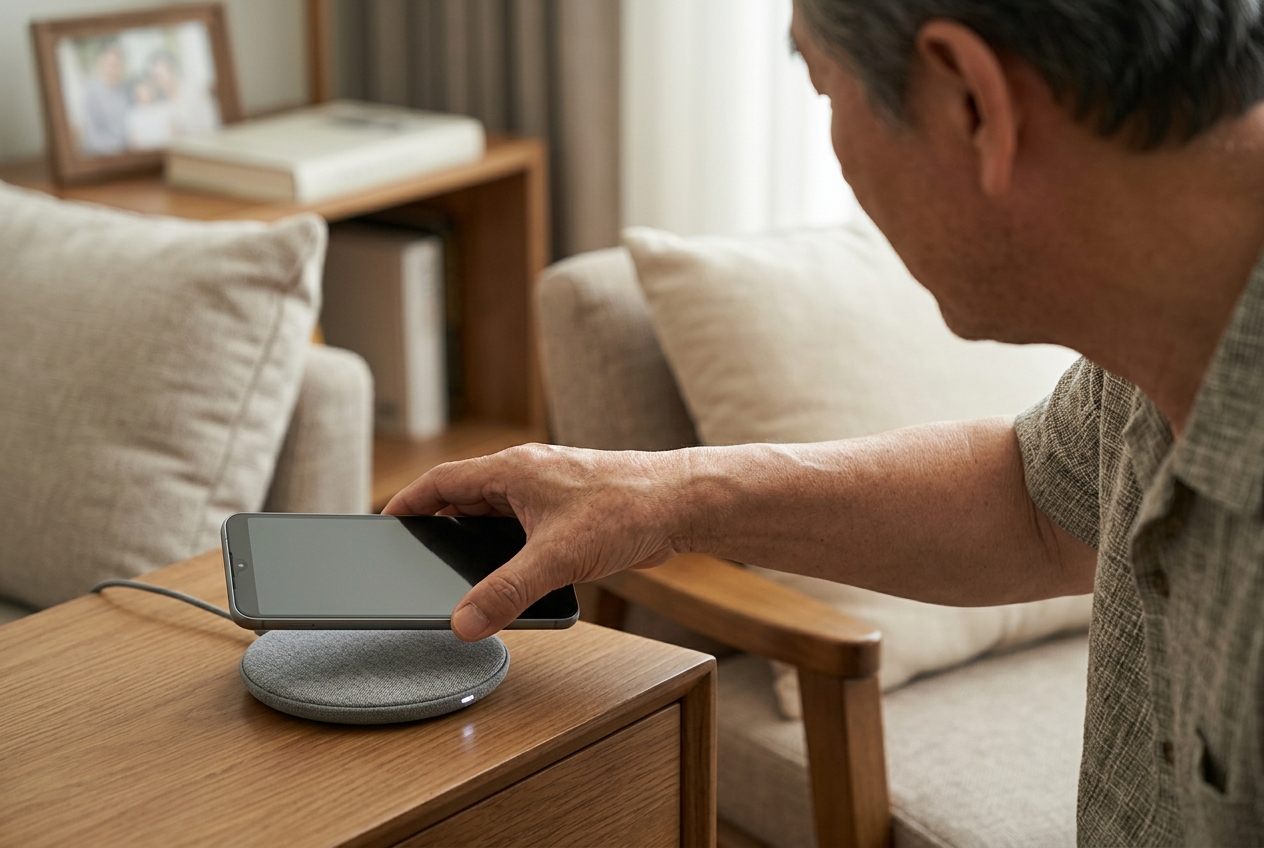
One of the most stressful parts of using a smartphone is battery depletion. Seniors often miss charging times or find connecting charging cables cumbersome. Therefore, choosing a device with a generous battery capacity is essential. It is also a checkpoint to see if it supports 'fast charging' in addition to capacity. If they go out often, models with good battery efficiency should be prioritized. A device with enough battery capacity to last all day without worrying about charging provides psychological comfort.
Recently, using a wireless charging pad can be much more convenient than a wired cable. There is no need to squint to find the charging port; they can simply place it on the pad. If they prefer wireless charging, it is good to check in advance if the device supports it and its compatibility with charging pads. Wireless charging is a great option for seniors because there is no need to worry about the durability of the charging port. Also, while gifting a power bank is nice, choosing a device with good battery efficiency is better than carrying a heavy power bank. It is also good to check user reviews to see if the device tends to overheat while charging.
Camera Performance and Storage Space
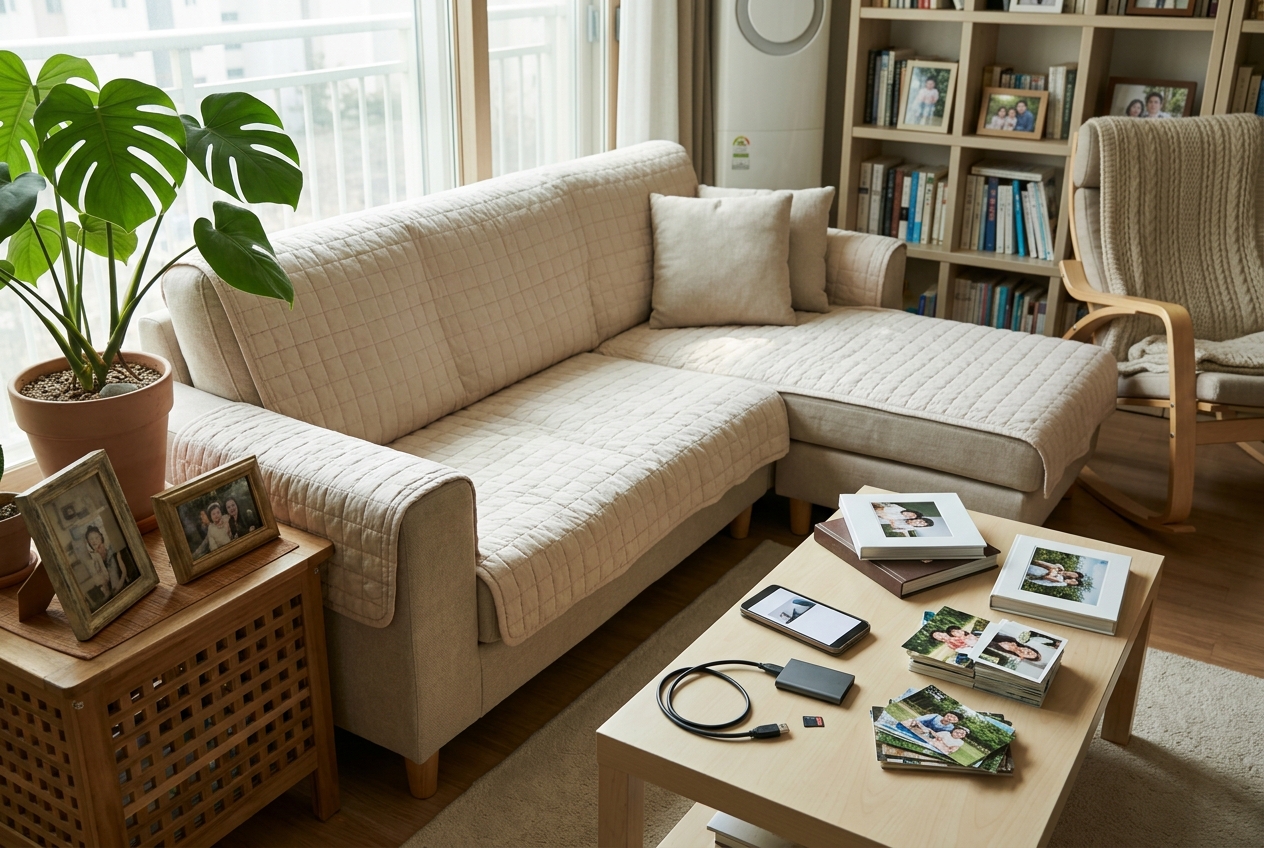
Many seniors enjoy taking photos of their grandchildren or landscapes with their smartphones. Therefore, basic camera performance is an element that cannot be ignored. The key is how clearly and steadily photos are taken in 'Auto Mode' rather than complex professional modes. A camera with well-implemented AI enhancement features is even better. When the results are bright and clear, seniors feel the joy of taking photos and develop an attachment to the device. Also, check if the camera lens position is not blocked by fingers.
Storage space is also important. If they take many photos and videos, they will quickly run out of space. Choose a model with generous base storage or check if it supports an external memory slot. If external memory is not supported, you can link it to a cloud service, but if it is difficult for your parents to manage it themselves, choosing a device with sufficient capacity from the start is better for their peace of mind. Since photos are often saved in high resolution, we recommend at least 128GB of storage. Running out of space and having to delete photos can be very stressful for parents. It is also a good idea to set up an environment where photos are periodically backed up to a computer or cloud.
Realistic Balance of Communication Plans and Device Costs
Buying an excessively expensive flagship model under the guise of a 'phone for parents' is not always the right answer. Check your parents' actual data usage. The plan design depends on whether they mainly use it in Wi-Fi environments or use a lot of data during outdoor activities. Excessive data plans lead to unnecessary spending. Considering a budget-friendly carrier (MVNO) plan is also a very wise method. You can enjoy sufficient data and call quality at a lower price compared to major carriers.
However, if you are receiving bundle discounts from a specific carrier, you should calculate the change in total cost if you cancel them. Rather than just going for the cheapest option, maintaining the communication environment your parents are used to can provide psychological stability. Since you can change plans without a penalty after the contract period ends, you should carefully examine the contract conditions at the time of purchase. Sometimes, buying an unlocked device and opening a budget carrier SIM is the path to maintaining the lowest cost in the long run. When choosing a plan, you must check not only the data allowance but also whether voice calls are unlimited.
The Importance of After-Sales Service and Support
Devices can break. There will be situations where your parents need to visit a service center or receive remote support. Checking if there is a service center near where they live is a more important factor than you might think. In particular, because some manufacturers have overwhelmingly better service center accessibility, many seniors choose brands that are easy to manage even if the device performance is slightly lower. If the service center is far away, they might try to replace the device for even a minor issue or give up on using it entirely.
Also, your help is needed until they become familiar with how to use the device. Maintaining the brand they are used to rather than an interface that changes too often is a huge help in reducing the learning curve. If they enjoy learning new features, it doesn't matter, but remember that most prefer a familiar environment. Installing a remote control app is very useful as you can help with settings from afar. When changing device settings, you must explain to your parents what has changed in advance to reduce confusion. The key is to create a pleasant usage environment by blocking unnecessary notifications or ad-based apps during initial setup.
Finally, after purchasing the device, you must help them with the 'basic setup' yourself. Maximize the font size, set frequently used contacts as speed dials, and turn off all unnecessary notifications. Also, simply placing an app that allows for easy video calls with family on the main screen will make the phone truly valuable. It is true filial piety to create an environment where they can communicate with their children more often through technology, rather than the technology itself. If they are new to smartphones, keeping the home screen very simple and placing only 3-4 favorite contacts is a good approach.
Check the final checklist before purchasing once more. 1. Is the screen size and font readability appropriate? 2. Is the battery charging method convenient? 3. Are frequently used functions on the main screen? 4. Is service center accessibility good? 5. Does it fit your parents' usual habits? If you select and set up the device based on these five criteria, it will be a warmer gift than just a simple device. Don't forget that the essence of a 'phone for parents' is to help them see the world more broadly and get closer to their children through the smartphone.
Frequently Asked Questions
Is the latest device always best for seniors?
Not necessarily. While the latest devices have good performance, they can be expensive and complex to operate. It is best to choose a model that provides an easy-to-use and familiar environment by focusing on the features your parents usually use.
Is it okay to use a budget carrier (MVNO) plan?
Yes, the communication quality is the same as major carriers, but the rates are much cheaper, making them popular among users of phones for parents. However, you may have to give up benefits from existing bundle products, so compare the overall costs before deciding.
How can I make the font size larger?
In most smartphone settings menus, you can change the font size and screen zoom settings under 'Display' or 'Screen'. Also, activating 'Easy Mode' automatically enlarges icons and text, making it much easier to see.
My parents keep pressing the wrong things; is there a good way to prevent this?
It is good to lock the home screen layout, hide unused apps, and place only necessary apps. Also, you can utilize 'Touch Protection' features or adjust touch sensitivity to minimize accidental operations.