Mobile phones are the most closely connected tools in the daily lives of modern people. They have become central devices that encompass all areas, from handling work, financial activities, and media consumption to health management, going beyond simple communication devices. As such important devices, choosing a product that fits your usage patterns and managing it correctly is directly linked to your quality of life. However, with the flood of new products and complex technical specifications, choosing the device that is right for you is not as easy as it seems. This guide provides a systematic approach, from the moment you purchase a device to daily maintenance, security management, and ways to maximize the lifespan of your device.
Analysis of Key Performance Indicators for Choosing a Mobile Phone

The first thing to look at when buying a mobile phone is your primary purpose. The specs required by a user who enjoys high-end games, a user whose hobby is photography, or a user who mainly uses messengers and calls for work are completely different. The grade of the processor (AP) is a key factor that determines the lifespan of the device. The latest processors not only have faster processing speeds but also have better power efficiency, which has a positive impact on battery life. While benchmark scores can be referenced, the ability to control heat in actual usage environments can be more important.
Display and camera performance are also essential selection criteria. A higher screen refresh rate reduces eye fatigue by making screen transitions smoother. For cameras, the sensor size, aperture value, and software optimization technology determine the quality of the results more than just a high pixel count. Therefore, rather than just looking at the numbers on the detail page, it is better to check actual shooting results or refer to reviews. In addition, the storage (ROM) standard (such as UFS) and RAM capacity are important factors that determine the comfort of the device in a multitasking environment, so if you plan to use it for at least 3 years, choosing one step higher than the current recommended specs is a way to save costs in the long run.
An additional point to consider is the type of display panel. OLED panels have excellent color reproduction and contrast ratios, making them advantageous for watching videos, but caution is needed regarding burn-in. LCD panels have a somewhat calmer color tone but are free from burn-in and have the advantage of being comfortable for the eyes during long-term use. The weight and size of the device also have a significant impact on daily portability. If you have small hands, choosing a compact model in the early 6-inch range is a reasonable judgment criterion, while if your main purpose is consuming video content, choosing a large-screen model of 6.7 inches or more is recommended.
Device Classification Checklist Based on Usage Patterns
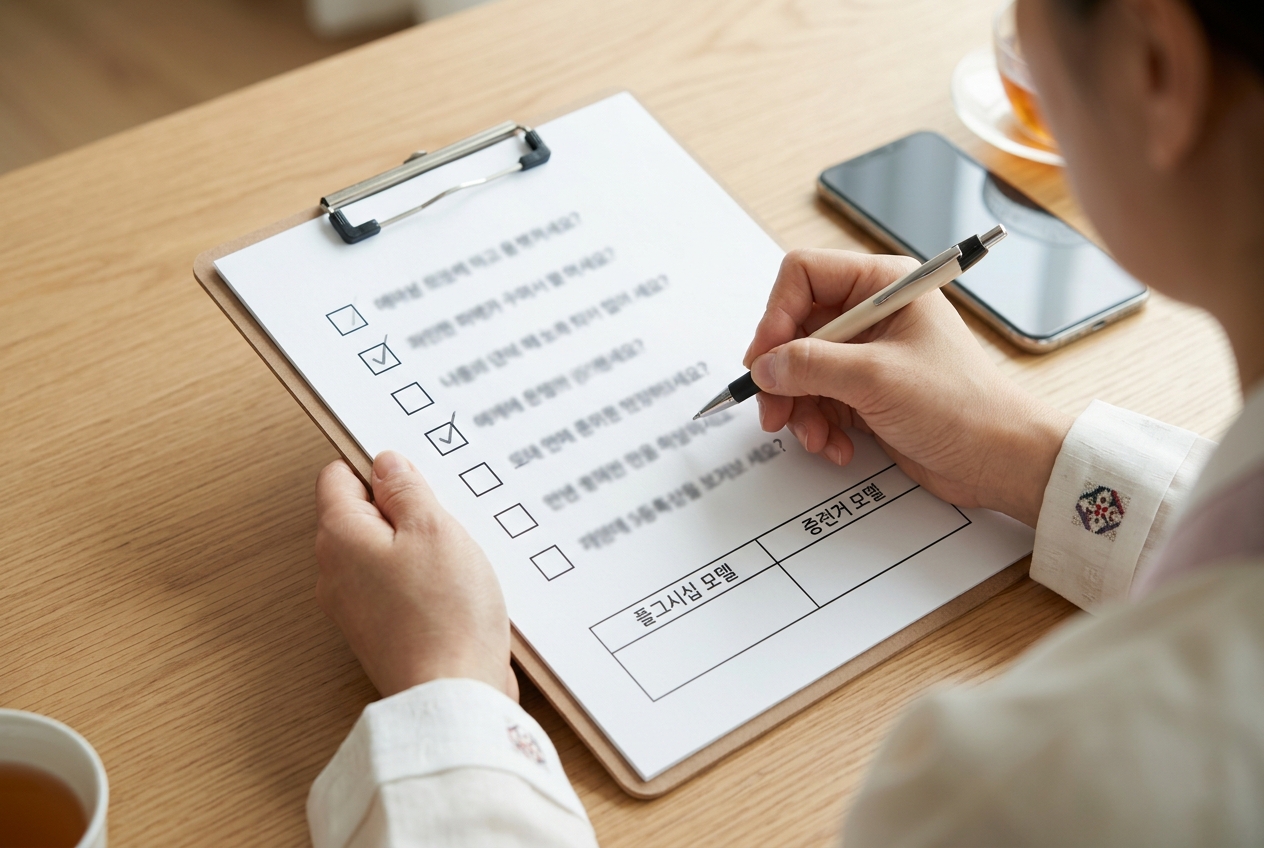
Checking your usage habits can help you reduce unnecessary spending. Please use the checklist below to determine what kind of mobile phone is suitable for you.
- Do you enjoy high-end mobile games for more than an hour every day?
- Are you very sensitive to the results of photos and video recordings?
- Do you frequently multitask by keeping multiple work apps open at the same time?
- Is a long battery life essential because your charging environment is not flexible?
- Do you plan to use the device for at least 3 years once purchased?
If you answered yes to 3 or more of the above items, it is economical to choose a flagship model; otherwise, it is better to choose a cost-effective mid-range model. While flagship models guarantee the latest features and a longer software support period, mid-range models have the advantage of significantly reducing the price burden while still having essential performance. It is also necessary to visit an offline store in person before purchasing to check the weight and grip.
When choosing a mid-range model, it is good to check for OIS (Optical Image Stabilization) in the camera and the water/dust resistance rating. Recently, mid-range devices have absorbed a significant portion of the features of higher-end models, so if you do not play high-end games, you can enjoy a sufficiently comfortable mobile life with just a mid-range model. You should not overlook the accessibility of after-sales service (AS) centers when choosing a device. This is because repair costs and parts supply periods have a significant impact on the Total Cost of Ownership (TCO) of the device.
Practical Management Methods for Extending Battery Life
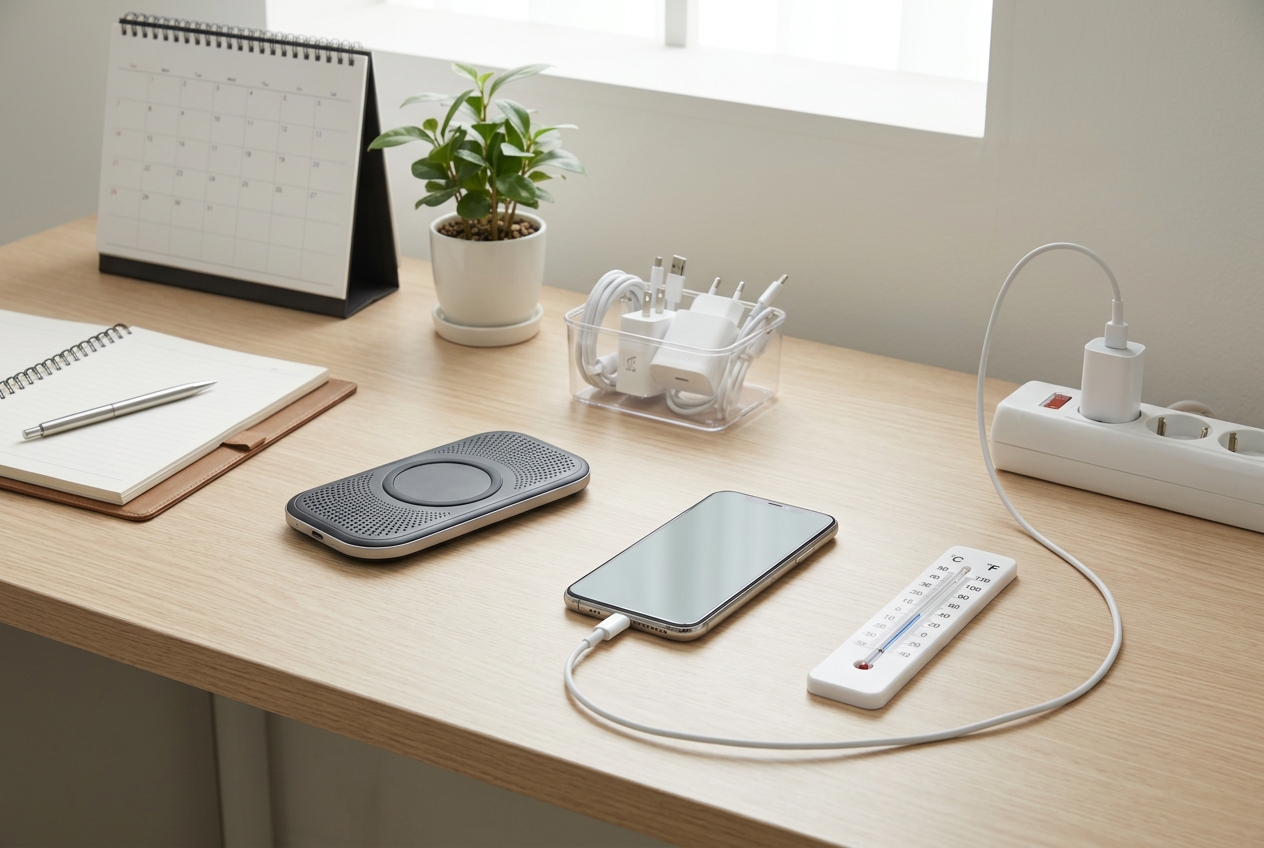
The point where you first notice the aging of a mobile phone is the battery. Due to the chemical characteristics of lithium-ion batteries, their lifespan is shortened when they are repeatedly fully discharged or fully charged. The most recommended method is to use it while maintaining the range between 20% and 80%. Also, high-temperature environments are the main culprit for battery performance degradation, so you must avoid leaving the device inside a car in the summer or under direct sunlight. If the battery temperature stays above 40 degrees, the internal electrolyte can deteriorate.
Charging habits are also important. Fast charging is convenient but accompanied by heat, so if the device gets hot, it is better to stop charging for a while, let it cool down, and then use it. Recently released devices provide a 'Battery Protection Mode' feature that allows you to set charging limits, so if you actively use this, you can keep your battery health in top condition for a long time. When charging wirelessly, the heat generated can accelerate battery aging, so wired charging is recommended whenever possible, and when using a wireless charger, it should be placed in a well-ventilated area. It is recommended to check the battery status in the system settings regularly, and if the efficiency drops below 80%, visit an official service center for an inspection.
Caution is also required when choosing a charger. Low-cost, uncertified chargers can have unstable voltage and damage the device's circuitry. It is a shortcut to protecting your device to use a genuine charger recommended by the manufacturer or a product from a brand with verified standards. Regularly turning the power off and on (rebooting) is also helpful for optimizing battery performance. This is because it resolves temporary errors within the system and clears memory, preventing unnecessary battery consumption.
Essential Settings for Security and Data Management
Mobile phones contain concentrated personal and financial information. Therefore, security settings are not an option but a necessity. Biometric authentication (fingerprint or face recognition) is basic, and the habit of periodically changing your screen lock password is important. Also, you should periodically check app permission settings to ensure there are no apps requesting location information or contact access unnecessarily. Especially when using public Wi-Fi, you should utilize a VPN or avoid accessing financial apps.
Data backup is the most certain way to prepare for unexpected loss or failure. Just by turning on automatic backup settings using cloud services, you can safely protect your precious photos and documents. Especially if it is a device that includes financial apps or certificates, you must set up 2-step verification to minimize the risk of account theft. More detailed management tips can be found in Samsung Mobile Phone Selection and Management, What Should You Check? A Complete Guide from Purchase to Optimization. Keeping security patches up to date is not just about adding features, but the most powerful means of defending your device against known hacking techniques.
As an additional security rule, we recommend activating the 'Remote Control for Lost Device' feature. If you set up the 'Find My Device' feature provided by the manufacturer in advance, you can not only track the location in case of loss but also remotely delete data, preventing secondary damage. In the case of messenger or SNS apps, you should also check security settings, activate login notifications, and make it a habit to periodically check the list of connected devices to ensure no unknown devices are connected. For personal information protection, the user's vigilance is as important as technical settings.
Software Optimization to Maintain Device Performance
Operating System (OS) updates are not just about adding new features, but a process of improving security patches and system stability. It is recommended to keep the latest version rather than delaying updates. Also, clearing unnecessary background apps and periodically deleting cache data can improve the device's response speed. If storage space becomes more than 80% full, the system speed can noticeably slow down, so it is good to get into the habit of deleting unused apps and securing capacity.
For comfortable use of the device, try running the 'Device Care' or 'Device Optimization' feature periodically. This automatically performs system log cleanup, memory cleanup, and malware scans to reduce the load on the system. Also, keeping the screen brightness too high accelerates battery consumption and heat generation, so it is recommended to use the automatic brightness setting that fits the situation. Applying battery optimization settings for each app to manage apps you don't use so they don't unnecessarily occupy resources in the background is also a big help. Finally, using a case and protective film to prevent the device from receiving physical shocks is the most basic investment to preserve the device's resale value and prevent breakdowns. A mobile phone is a consumable, but its lifespan varies greatly depending on how you manage it. If you clearly understand your purpose of use and practice correct charging habits and security settings, you will be able to enjoy a much more satisfying mobile life.
Finally, another key to software optimization is 'Notification Management'. If notifications come from too many apps, it not only unnecessarily occupies the device's resources but also reduces the user's concentration. Blocking notifications from unnecessary apps in the settings menu and getting into the habit of checking low-priority apps when needed instead of real-time notifications can reduce system load. Also, just deleting apps you don't use periodically or disabling unused features can improve the overall perceived speed of the device. Regular device maintenance eventually returns to the user's comfortable experience.
Frequently Asked Questions
What is the first thing to consider when buying a mobile phone?
It is important to identify your primary purpose of use. Since the required processor performance and camera specs differ depending on core uses such as gaming, photography, or work, you should decide your budget and model based on this.
How can I maintain battery life for a long time?
It is recommended to charge while maintaining the range between 20% and 80% without letting the battery discharge to 0%. Also, avoiding high-temperature environments and utilizing the battery protection mode feature to limit the maximum charge level is helpful.
Why are software updates important?
Updates play a role in resolving security vulnerabilities and optimizing system performance in addition to providing new features. Therefore, it is recommended to keep the latest version for the device's security and smooth operation.
Is there a way to solve it when the device slows down?
Try closing background apps you are not using and clearing unnecessary files and cache data to secure storage space. Also, updating the operating system to the latest version helps improve system response speed.