Lim Young-woong concert ticketing is akin to a war, setting incredible records for selling out every seat every time. While many fans struggle to secure tickets, the reality is that success is difficult due to system limitations and the sheer volume of users. To put it simply, the key to successful ticketing lies in 'speed,' 'precise environment settings,' and 'thorough preparation.' Do not rely solely on luck; understanding the principles of the booking system and building an optimized environment is paramount. This guide analyzes the entire process from the start of ticketing to payment completion, offering strategies to maximize your chances of success.
Key Environment Settings for Ticketing Success

The first thing to check is your internet environment. Since ticketing is won or lost in 0.1 seconds, you must minimize network latency (Ping). A wired LAN connection is strongly recommended over home Wi-Fi, and using a venue with verified speed, such as an internet cafe, is advantageous. Additionally, ensure your browser is the latest version recommended by the ticketing site, and disable unnecessary extensions or pop-up blockers before booking. Extensions can be a major cause of slow page loading, so it is best to use a browser in its default state on the day of ticketing.
Checking the time is also essential. Use a site that provides 'server time' rather than a portal site's clock to accurately identify the ticket opening time down to the second. Your PC time must be synchronized with the ticketing site's server to refresh at the exact right moment. The most common mistake is refreshing too early, which can lead to access restrictions due to server overload. It is important to time your refresh between 0.5 and 1 second before the server opens, and using the 'F5' key on your keyboard may be slightly faster than the browser's refresh button.
Checkpoint: For network environments, stability is just as important as the speed figures from a test site. Before ticketing, test whether you can access the booking page smoothly in the same network environment. Pop-up blocker settings should be set to 'Always Allow' by clicking the icon next to the address bar in your browser to prevent the payment window from being blocked.
Technical Precautions During the Booking Process
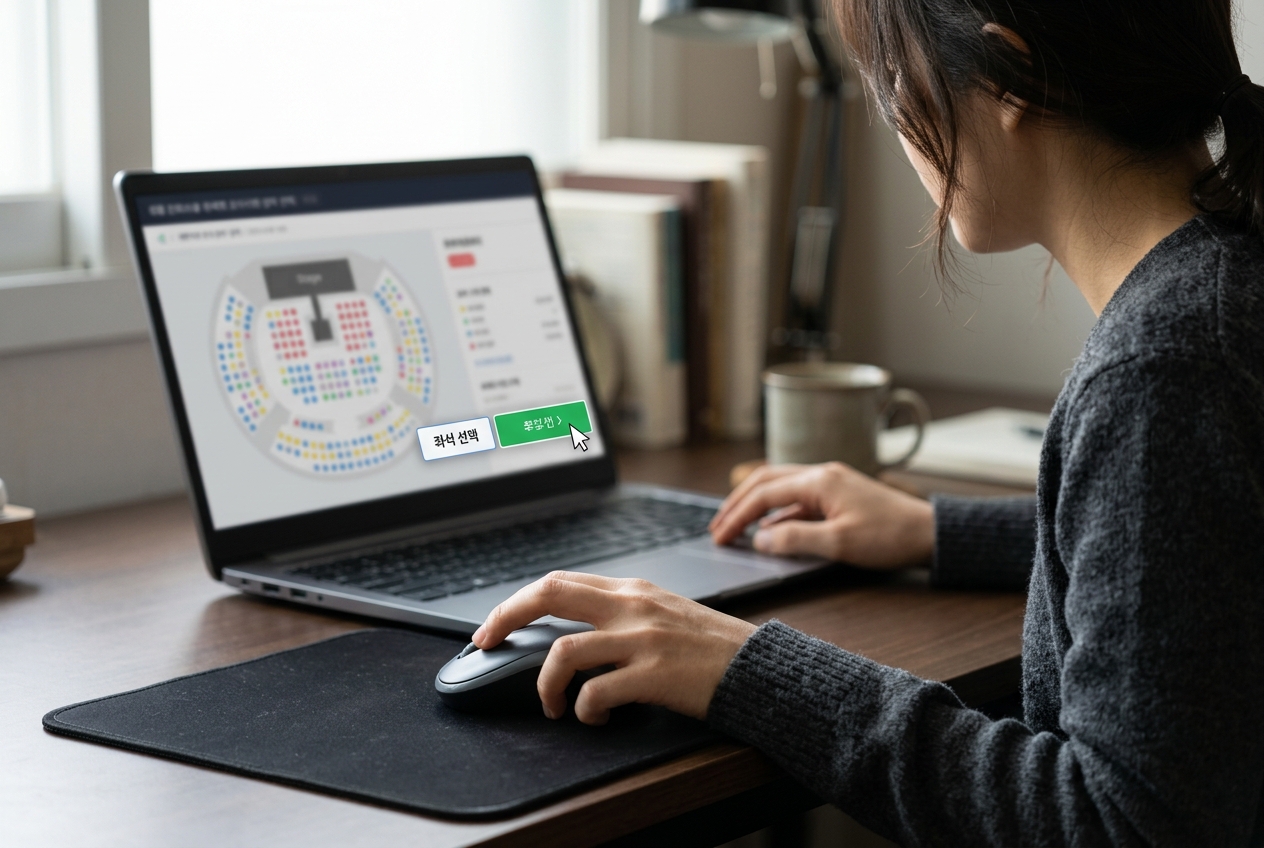
Once ticketing begins, the key is to reach the payment stage quickly. Ensure your member information is accurately entered in advance and that identity verification is completed. If the bank transfer option is available, selecting it is often faster than credit card payment. Credit card payments often require additional pop-up windows or authentication procedures, which can cause delays. Since payment methods vary by ticketing site, it is advisable to log in beforehand and perform a test to see if the payment selection window responds quickly.
Strategy is also needed when selecting seats. Rather than aiming for the best section from the start, it is important to quickly click on any available seat. If seats are not visible, have the patience to wait for the booking button to activate rather than refreshing too frequently. Also, opening multiple windows simultaneously may be blocked by the ticketing site's security policy, so we recommend accessing it stably from a single browser. Since the accuracy of your mouse click is important when selecting seats, a small tip is to adjust the sensitivity of the mouse you use frequently.
Selection Criteria: Do not overthink when securing a seat. The moment you hesitate to wonder 'which seat is better,' that seat will already be taken by another user. If an available seat appears, click it immediately and proceed to the 'next step' as your top priority.
Pre-practice and Mindset to Reduce Failure

Practical practice is essential. Check your hand movements and clicking speed by practicing with ticketing for other performances on the site. Repeatedly practicing the process of reaching the payment window will allow your body to move quickly even in tense moments. Also, server errors or queues are inevitable on the day of ticketing. Even if your queue number is high, the rule is to wait without closing the window. If an unexpected error message appears, do not panic; have a backup plan ready, such as clearing your browser cache or immediately launching another browser. Maintaining a calm mind and pursuing a 'ticket-catching' (buying canceled tickets) strategy can also increase your chances of success.
Action Method: Canceled tickets are often released randomly on the day of the performance or in the days immediately following the initial booking. Use the ticketing site's notification feature or check periodically to see remaining seats. During practice, be careful to only go up to the step just before actual payment to avoid interfering with others' bookings.
Final Checklist for Seat Selection and Payment Stages

After securing a seat, there must be no mistakes in the payment process. Many people miss out on tickets because they delay at the payment stage after selecting a seat. Small preparations, such as registering payment methods in advance or deciding which bank to use for transfers, increase your chances of success. Also, check the ticketing site's notices frequently to see if policies have changed. Don't forget to keep your phone nearby in case you need an identity verification code. It is best to minimize input requirements in the payment window, and utilizing auto-fill features is a key factor in saving time.
The use of illegal macro programs is subject to strong sanctions by ticketing sites and can lead to disadvantages such as account suspension or booking cancellation. Securing tickets through legitimate means is safe and is the most basic and correct attitude for enjoying a performance. It is important to establish a fair booking culture to protect the rights of honest fans.
Caution: If you use 'Safe Click' or 'App Card' payments, ensure your smartphone is set to receive push notifications immediately. There are frequent cases where people panic because the push notification does not arrive during payment.
Action Guide to Implement Right Now
First, check if you are registered on the ticketing site and complete identity verification. Since each site may have different verification methods, it is good to read the guidelines carefully in advance. Second, clear your browser cache and update to the latest version. Accumulated cookies and cache data can slow down page loading. Third, add a server time checking site to your bookmarks and be fully aware of the booking time. Fourth, register your payment method in advance to minimize payment time. Finally, on the day of ticketing, create an environment where other family members or nearby devices refrain from using data to ensure network stability. Developing the ability to handle tense moments without panicking through these preparations is important. Remember that ticketing is the result of combining preparation and concentration, beyond simple competition.
Final Suggestion: Do not be too disappointed if you do not succeed. Ticketing is an event where luck and skill work together. Even if you fail this time, it is important to maintain a positive mindset while waiting for the next opportunity to catch canceled tickets or additional booking announcements. Please prepare to enjoy the performance while upholding a healthy fan culture.
Frequently Asked Questions
Where can I book tickets for the Lim Young-woong concert?
Official booking sites are announced through performance notices. Please use only official sites, as impersonation sites or private transactions are dangerous.
How do I check the ticketing server time?
You can check the exact time of the booking site down to the second through professional sites that appear when you search for 'server time' on Naver or Google.
Which is faster, bank transfer or credit card payment?
Generally, bank transfers are often processed faster because there are fewer input steps during the payment stage. However, bank transfer options may be restricted depending on the ticketing site's policy.
Should I refresh if the queue number is long?
Refreshing while a queue number is displayed may push you further back in line. It is better to have patience and wait until the queue decreases.
Can I use macros?
No, using macros is a violation of the ticketing site's terms of service, and you may face booking cancellation and account sanctions if caught.