Many people want to merge multiple PDF files into one. While the reasons vary, it is primarily to increase the efficiency of document management. Managing multiple files at once makes them easier to find and is also useful when creating presentations or reports. In this post, we will look at how to merge PDF files.
Preparation Before Merging PDF Files

Before merging PDF files, you should check a few preparatory items. First, decide which files you want to merge. Organizing file names and the order in advance will make the task easier. Also, check the size of the PDF files. Files that are too large may cause issues during the merging process.
Merging PDF Files Using Online Tools
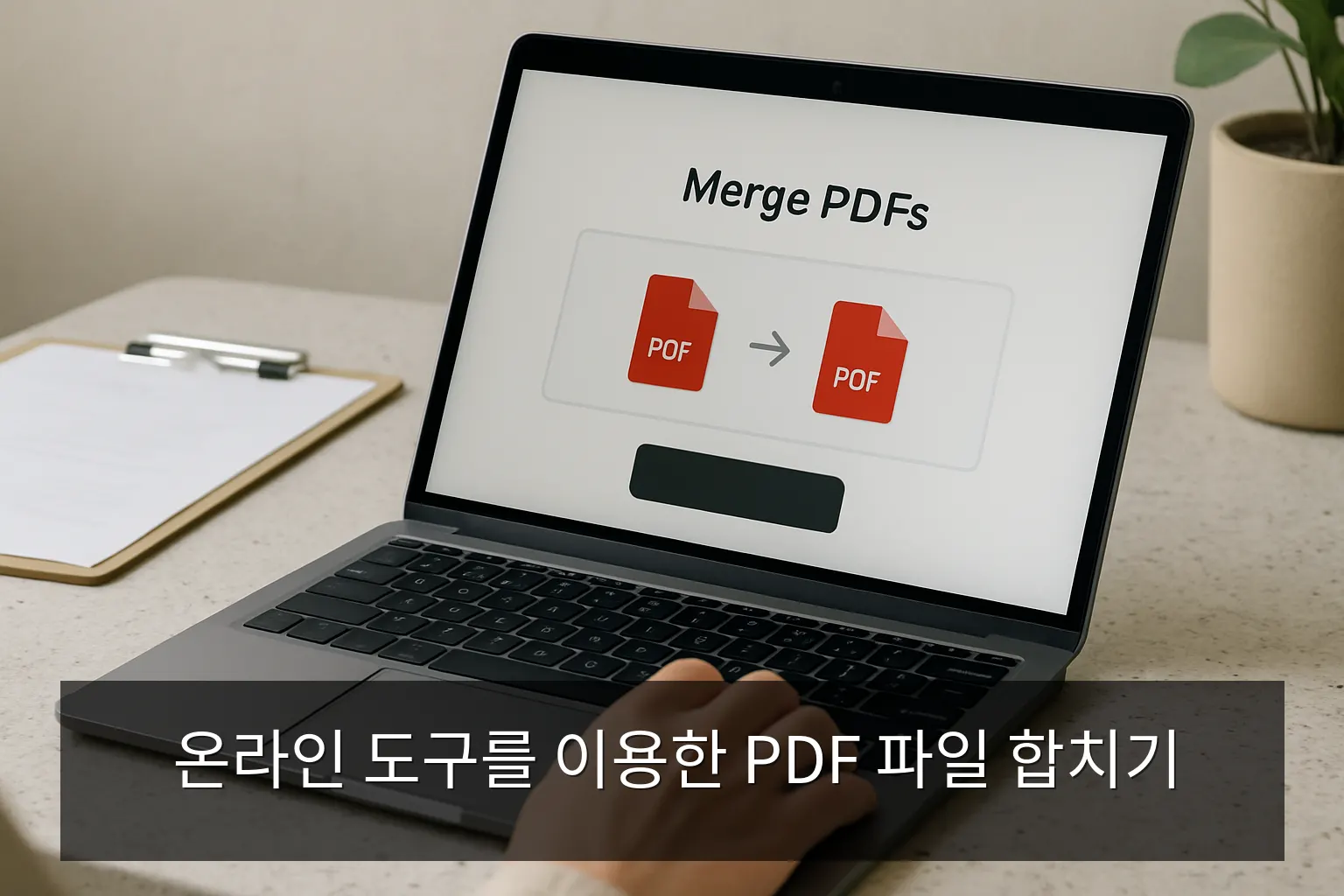
The easiest way is to use online tools. Various websites offer services to merge PDF files for free. The usage method is generally similar:
1. Visit the Website
Visit a reliable PDF merging website. Here are a few recommended sites:
- Smallpdf
- iLovePDF
- PDF Merge
2. Upload Files
Select and upload the PDF files you want to merge. Some tools also have a feature to select multiple files at once.
3. Merge Files
After adjusting the order of the uploaded files, click the 'Merge' button. After a moment, you can download the new PDF file with the merged content.
Merging PDF Files Using Software
In addition to online tools, there are ways to merge PDF files using software. Adobe Acrobat, PDFsam, and Foxit PhantomPDF are representative examples. These software programs offer more features and stability.
How to use Adobe Acrobat
Using Adobe Acrobat, you can merge PDF files with the following procedure:
- Launch Adobe Acrobat.
- Select 'Combine Files' from the 'File' menu.
- Add the files to be merged and adjust the order.
- Click the 'Combine' button to create a new PDF file.
Precautions When Merging PDF Files
Points to note when merging PDF files are as follows:
- Copyright: Check the copyright of the files you are merging. Unauthorized merging of copyrighted files may lead to legal issues.
- File Size: Merging files that are too large may cause errors. Optimizing files to reduce their size is also a good approach.
- Security: If the files being merged contain personal information, be careful about security. When using online tools, ensure that the files are handled securely.
Conclusion
As shown, there are several ways to merge PDF files, and you can choose the method that suits your situation. Utilize online tools or software to manage your documents efficiently. Document management will become much easier.
Frequently Asked Questions
What software is needed to merge PDF files?
You can use software such as Adobe Acrobat, PDFsam, or Foxit PhantomPDF.
Are online tools safe?
They are safe if you use reliable sites, but be careful with files containing personal information.
What should I do if the file size is too large?
You can use a PDF optimization tool to reduce the file size.
How do I determine the order of the files to be merged?
In most tools, you can adjust the order by dragging and dropping after adding the files.
What is the quality of the merged PDF file?
Most software and online tools maintain the original quality, but it may vary depending on the tool used.