Samsung Galaxy smartphones are among the most widely used Android devices globally. With such a diverse lineup, many people find it difficult to decide which model to choose. It is important to make a rational choice based on your lifestyle, budget, and primary features, rather than simply looking for the latest device with the highest performance. This is because smartphones have evolved beyond simple communication devices into essential tools for personal productivity, hobbies, finance, and security.
What are the differences between Samsung Galaxy series?
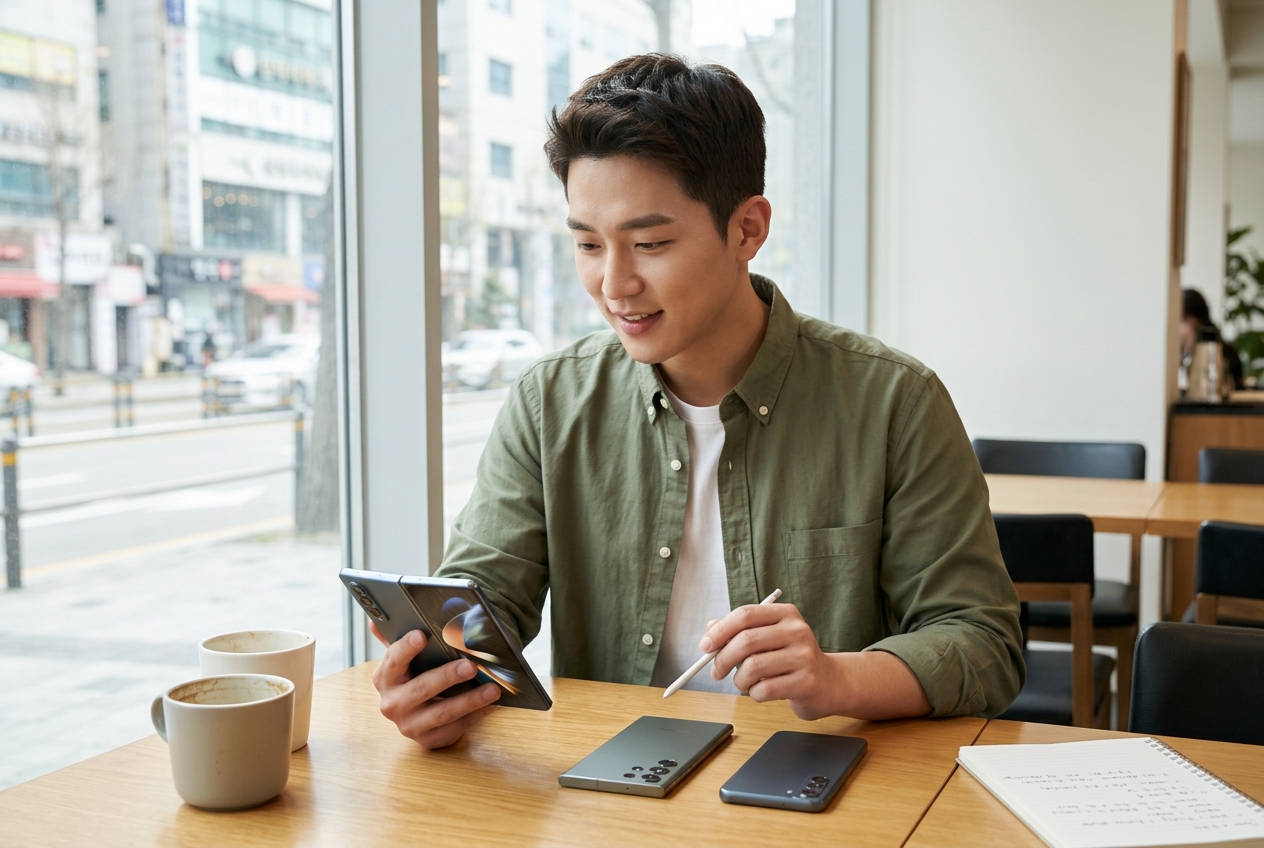
The Galaxy series is broadly divided into the top-tier premium S series, the foldable Z series, and the value-oriented A series. Each series has a clear target audience, and the choice depends on the values the user prioritizes. The S series is packed with Samsung's latest processor and display technology, making it suitable for users who want powerful performance for high-end gaming or video editing. The Z series offers unparalleled portability and a differentiated user experience through the innovation of a foldable form factor. On the other hand, the A series is perfect for users who want to get practical value by including all essential features at a reasonable price point.
The first thing to consider when choosing a series is, 'What do I use my smartphone for the most?' If high-end gaming is your main goal, the Ultra model of the S series might be the answer, while if you want portability and style that fits in one hand, the Z Flip series will be attractive. Also, if you prioritize work efficiency, the large-screen Z Fold series or the Plus model of the S series show great strengths in terms of productivity. A more expensive product is not necessarily better; you should prioritize the features you use most frequently in your daily life.
Camera performance: Is the Ultra really the only answer?
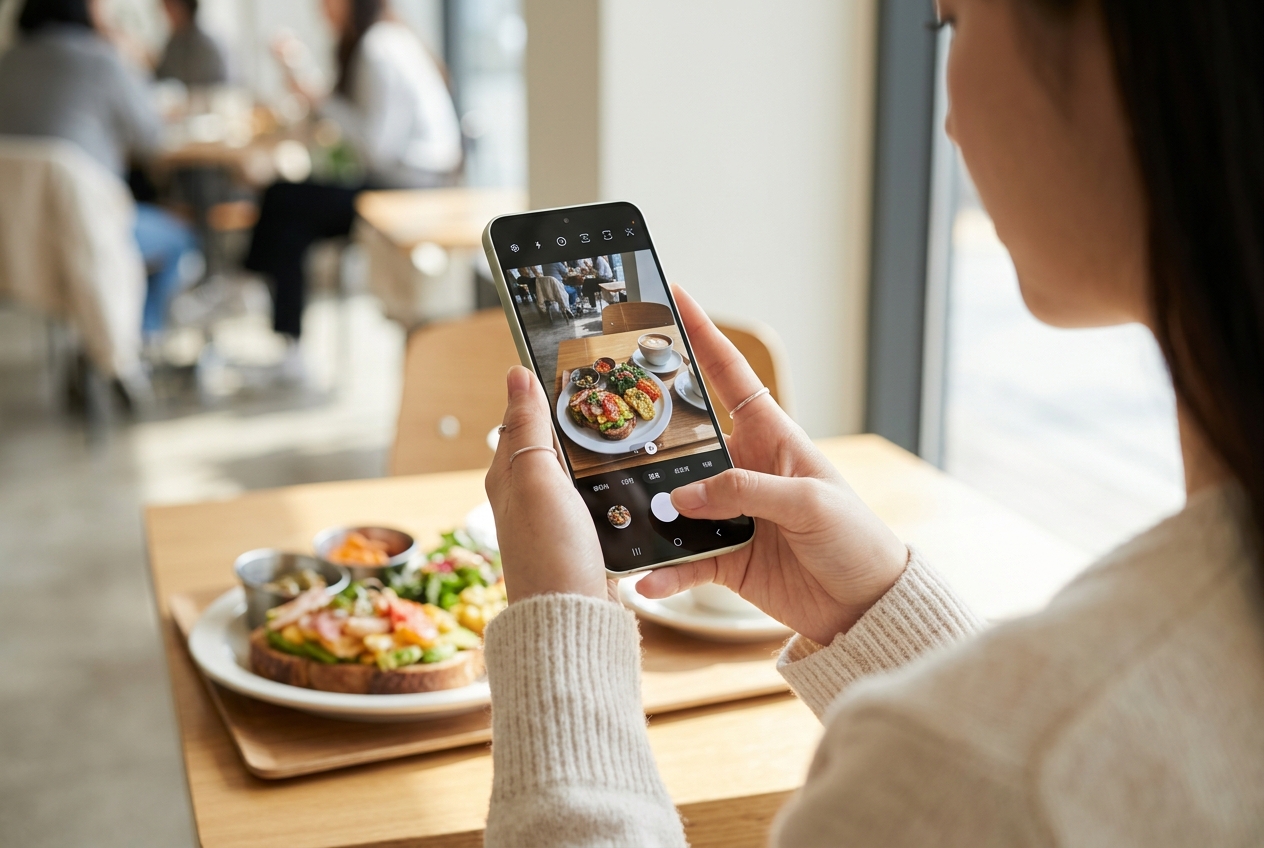
Many users consider camera performance important when choosing a Samsung Galaxy. While it is true that the Ultra model is equipped with the best camera, the camera performance of the standard or Plus models is already more than enough for daily use. The Ultra model supports professional shooting environments through high-magnification zoom and high-resolution sensors. However, if your goal is simply taking photos for social media or daily recording, the main and wide-angle lens configuration of the standard model is sufficient to get clear and bright results. It is necessary to check for yourself how much of a hobby you have for photography and whether you frequently print or edit your photos.
If you enjoy professional photography, you can capture more precise compositions and colors through the Ultra model's telephoto lens and expert mode features. However, if your main use is light daily snapshots, video conferencing, or document scanning, you can get more than enough satisfaction from the standard model's camera. When evaluating camera performance, it is better to check not just the pixel count, but also how stable the night shooting mode (Nightography) correction and Optical Image Stabilization (OIS) are. Additionally, the subject separation capability in Portrait mode is an important factor that determines real-world satisfaction.
| Model Group | Key Features | Recommended For |
| S Series | Top performance, excellent camera | Heavy users, photo/video professionals |
| Z Series | Foldable, portability, design | Trend-conscious, prefer compact devices |
| A Series | Value for money, practical features | Students, practical office workers, light users |
As shown in the comparison table, each model has a different balance of performance and price. It is wise to find a model that implements the features you use most within your budget, rather than assuming the most expensive one is the best. For example, if you consume a lot of video content, it is good to check the display's peak brightness and refresh rate, and if you have many outdoor activities, you should prioritize the device's durability and water/dust resistance rating. Simply analyzing your usage environment objectively can save you hundreds of thousands of won while still allowing you to choose a highly satisfying device.
Battery and charging speed: What to watch out for in real-world use?
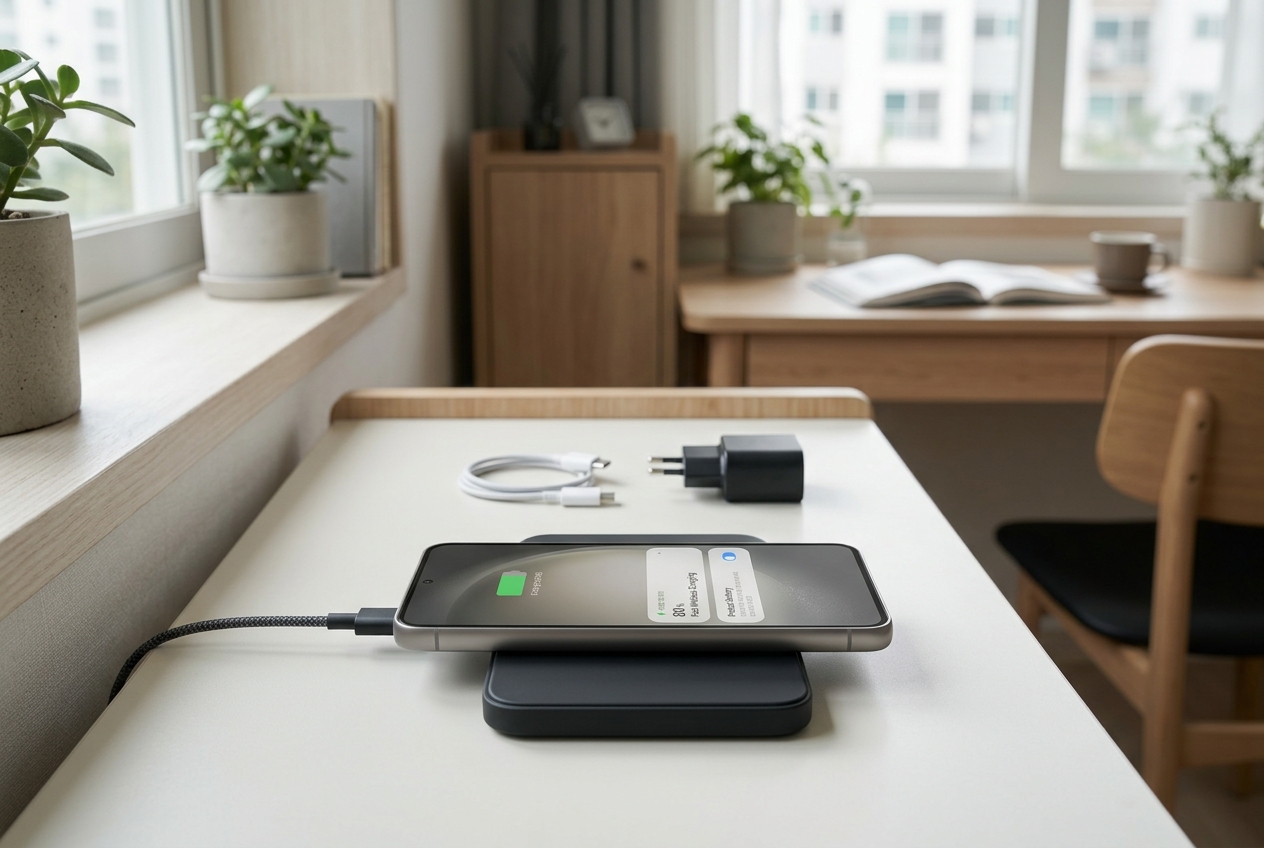
When choosing a smartphone, charging speed is just as important as battery capacity. Samsung Galaxy models have different maximum charging speeds supported by each model. For office workers or students who are active outdoors all day, it is better to choose a model that supports fast charging rather than just having a large battery capacity to increase efficiency. The fast charging feature, which allows you to survive the day with a 30-minute charge when you need to go out in a hurry, is an essential element for modern people. Also, you can maintain the device's lifespan longer by using the 'Battery Protection' option. This feature, which limits charging to 80%, is a great help in slowing down battery degradation.
Checking your charging habits and building a wireless charging environment is also a way to use your Galaxy comfortably. Using a fast wireless charger allows you to naturally replenish the battery just by placing it on your desk, significantly reducing stress about battery discharge. If the battery drains quickly in real-world situations, check for background app execution and adjust screen brightness or refresh rate settings. In particular, the 120Hz refresh rate makes the screen very smooth but drains the battery quickly, so lowering it to 60Hz is a good strategy in situations where battery efficiency is important. Also, using 'Power Saving Mode' appropriately can extend usage time in emergencies when the battery is low.
Battery life is directly linked to maintaining the overall performance of the device. If the battery is severely worn, the entire device may slow down, so it is important to avoid excessive heat and maintain an optimized temperature. It is recommended to avoid running high-end games while charging your smartphone as it can put a strain on the battery. Using genuine chargers and cables is also the most basic practice to protect the device's stable power supply and battery health.
Samsung Galaxy: Precautions for second-hand transactions?
If you are considering a second-hand device rather than a new one, there are several essential checklists. The first thing to check is the 'display condition'. Due to the nature of OLED, burn-in phenomena can occur, so you should check carefully against a white background. It is recommended to increase the brightness to the maximum and look closely to see if the entire screen shows a uniform color and if there are any traces of specific icons left. The second is 'water damage' and 'repair history'. You can easily figure out if the device's major parts such as sensors, speakers, microphones, and touch sensitivity are working normally by using the self-diagnosis feature of the Samsung Members app. It is recommended to run this diagnostic tool before the transaction.
Also, whether the device has external damage is important. In particular, dents on the corners suggest that the internal parts may have been impacted, so you should check them carefully. Don't forget to check the click feel of the buttons, the state of the SIM tray, and whether there is any debris in the charging port. Finally, checking for theft or loss is also essential. It is safest to check through a carrier agency or online inquiry whether the device has been properly deactivated, and if possible, check the exterior and functions in person through a direct transaction. Rather than a courier transaction, the process of touching the device yourself and testing the camera, touch, and call quality before payment is the best way to prevent future disputes.
After purchasing a second-hand device, you should immediately perform a factory reset to ensure that the previous user's data has been completely deleted, and log in with your own account to optimize the device state. Also, since it is likely that the warranty period for a second-hand device has expired, it is good to set a budget with the possibility of future repair costs in mind. If the battery performance is not good, visiting a Samsung Service Center to consider a battery replacement is also a wise strategy to use the device comfortably for a long time.
The Galaxy ecosystem that maximizes user experience
The true value of Samsung Galaxy does not lie in just one smartphone. The connectivity with Galaxy Watch, Buds, and tablets makes the user's daily life much more convenient. The ability to share photos and files in an instant via 'Quick Share' and the experience of unlocking devices without complex passwords via 'Samsung Pass' are powerful elements that make it difficult to leave the Galaxy ecosystem. For example, the seamless connection where you can continue viewing a webpage you were looking at on your smartphone on your tablet, or audio automatically switching when you are using Buds and a video starts playing on your tablet, provides great convenience to the user.
To make good use of these ecosystem features, it is important to set up account synchronization between devices correctly. If you manage your Samsung account in an integrated manner and optimize file sharing settings between devices, you can use multiple devices as if they were one. It may seem complicated at first, but once you set it up, the convenience afterward is incomparably higher. Also, using 'Smart Switch' allows you to bring over the data and app settings of your previous device as they are, minimizing the hassle when changing devices. The Galaxy ecosystem is a process of completing an individual's digital life by organically managing the user's habits and data, beyond just the connection of hardware.
Frequently Asked Questions
I am debating between the Galaxy S series and the A series.
If high-performance cameras or gaming performance are important, we recommend the S series; if you want daily web surfing, social media, and reasonable consumption, we recommend the A series.
What must I check when buying a second-hand Galaxy?
You should check if all hardware parts are normal through the self-diagnosis feature of the Samsung Members app, and carefully examine the display for burn-in and water damage.
Is there a way to maintain battery life for a long time?
Activating the battery protection feature in the settings menu to limit charging to 80% and avoiding excessive heat will help extend the lifespan.
Why is the Galaxy ecosystem important?
Because it allows for much more efficient data sharing and device control through seamless connectivity with peripheral devices such as Galaxy Watch, Buds, and tablets.