As photos taken with mobile phones or cameras accumulate, you often find yourself running out of storage space. Knowing how to reduce photo file size can be very useful in such situations. In this article, we will introduce various methods and helpful tools for reducing photo file size.
Why Reduce Photo File Size?
Reducing the file size of photos means more than just freeing up storage space. It offers several advantages, such as faster upload and download speeds and shorter website loading times. This can be an essential task, especially for those who frequently post photos on blogs or social media.
How to Reduce Photo File Size
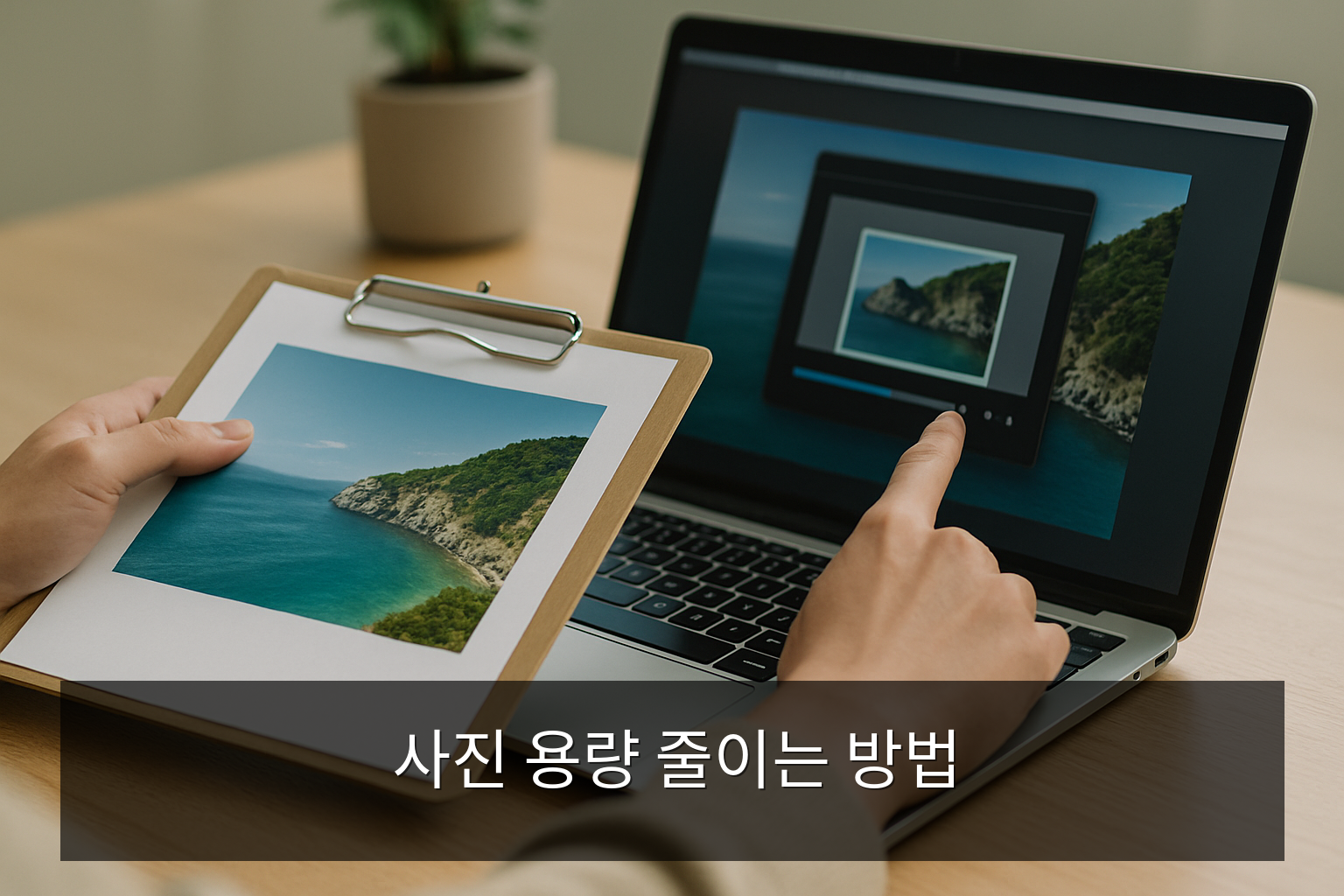
1. Change Image Format
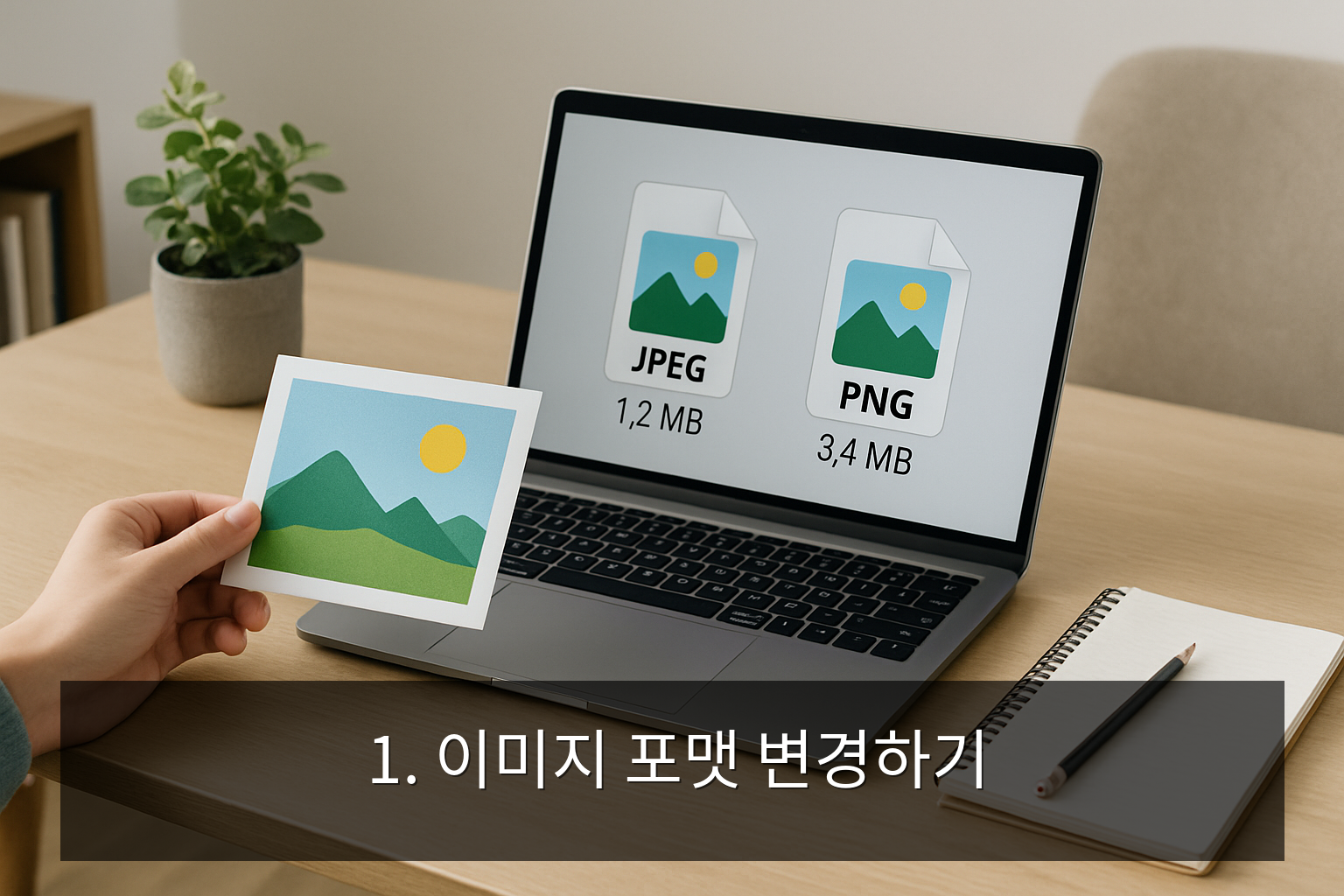
There are various image formats such as JPEG, PNG, and GIF. Generally, the JPEG format has a smaller file size but may involve some quality loss. On the other hand, the PNG format offers higher quality but has a relatively larger file size. It is important to choose the format that suits your needs.
2. Use Online Tools
There are various online tools available on the internet that can reduce photo file size. Notable examples include TinyPNG and ImageOptim. Using these tools, you can easily reduce file size with just a few clicks.
3. Adjust Image Dimensions
Reducing the resolution of a photo also reduces its file size. High-resolution images beyond what is necessary only increase file size unnecessarily. Therefore, it is recommended to adjust images to an appropriate resolution for web use or social media posting.
4. Use Compression Software
You can compress photos more effectively by using professional software. Using the 'Save' feature in Adobe Photoshop allows you to reduce file size while maintaining quality. Additionally, free software like GIMP can be a great alternative.
Photo Size Reduction Checklist
- Check photo format
- Use online tools
- Adjust resolution
- Use compression software
Conclusion
Knowing how to reduce photo file size allows you to manage your storage space efficiently. Try using these various methods and tools. You will be able to manage your precious photos more smartly.
Frequently Asked Questions
Does reducing photo file size lower the quality?
Generally, there may be some quality loss during the compression process, but using appropriate tools allows you to reduce the size while maintaining quality.
Are online tools safe?
Most online tools are safe, but it is recommended to back up important photos before using them.
Can I reduce photo file size on mobile?
Yes, there are various apps available for mobile devices as well. For example, you can use apps like 'Photo Compress'.
Which format has the smallest file size?
The JPEG format generally has the smallest file size, but it may result in quality loss.
What should I do with the original photo after compression?
It is recommended to keep a separate backup of the original photo.